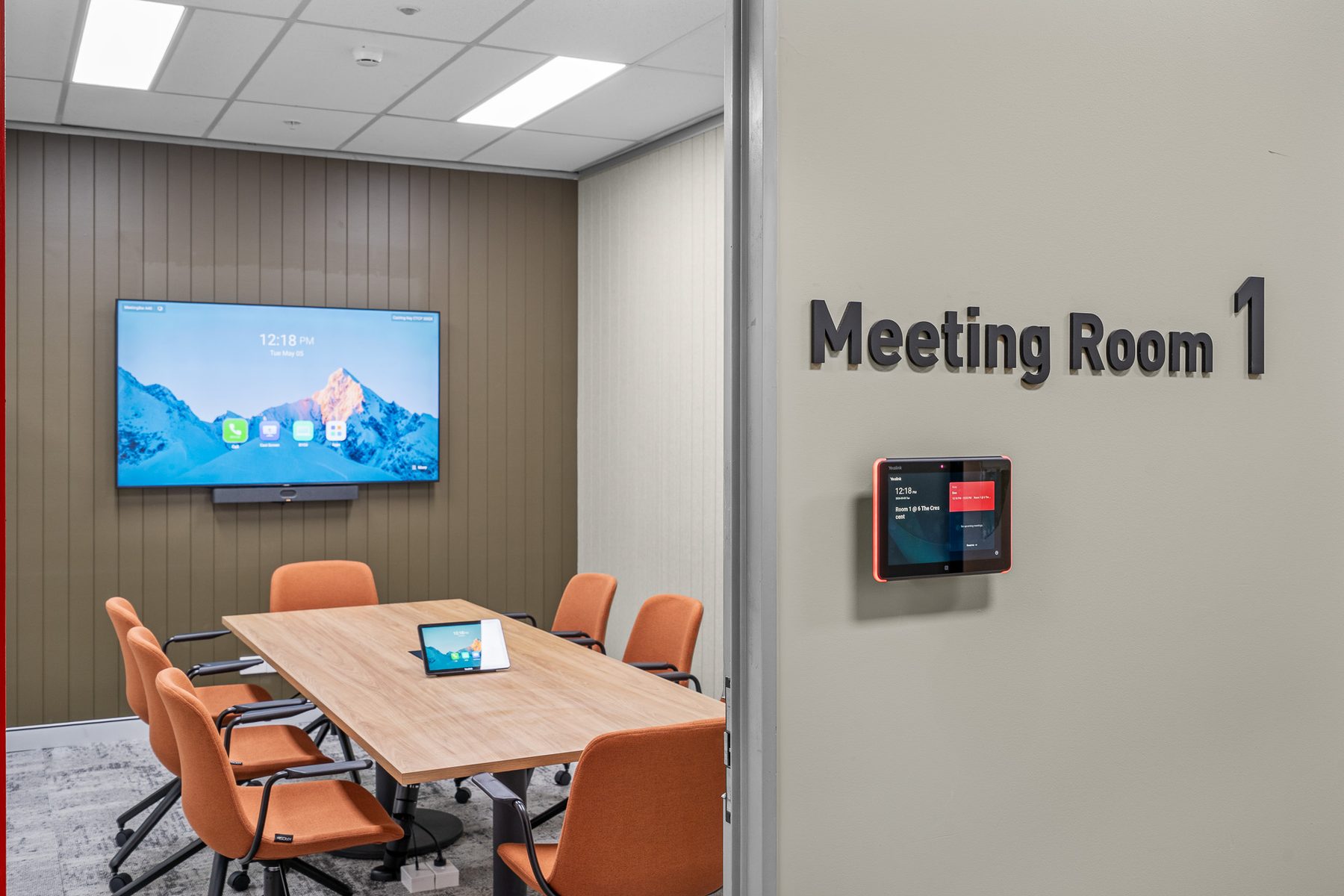
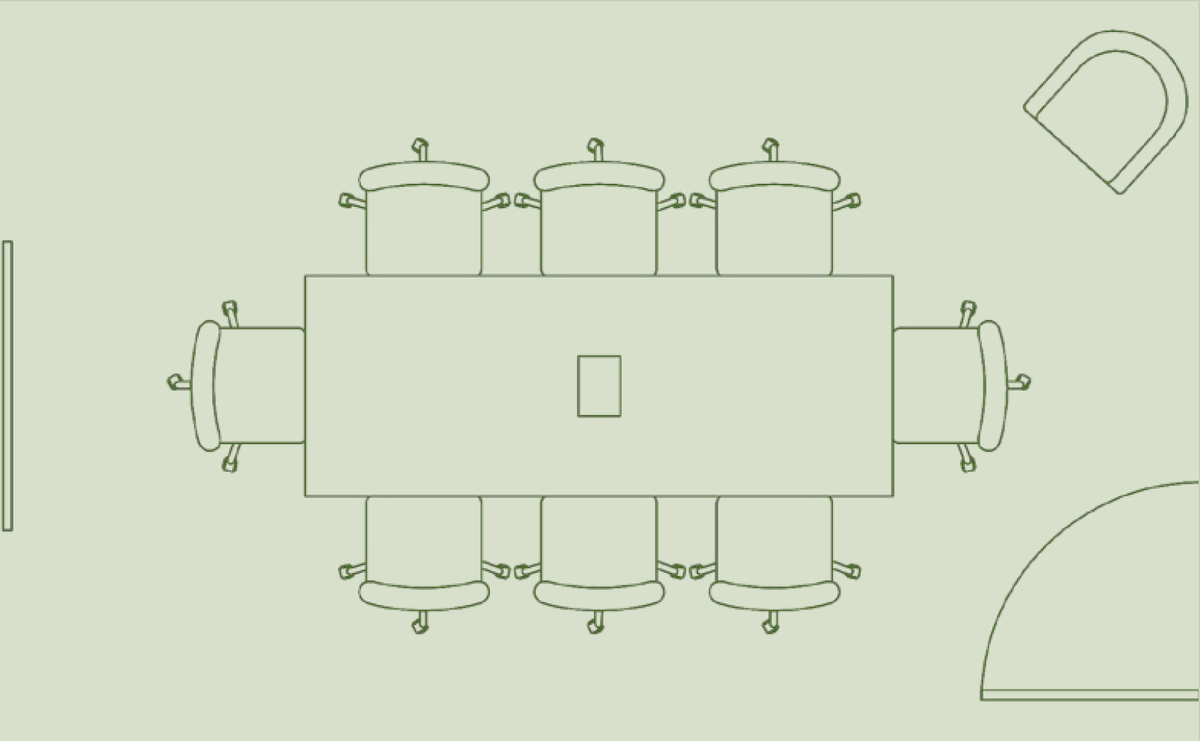
Meeting Room 1
Amenities
- 65″ flat-screen TV
- Yealink A50 conferencing bar
- USB-C cable connection at table
- In-table power outlets for charging
- Air conditioning

6 The Crescent, Kingsgrove
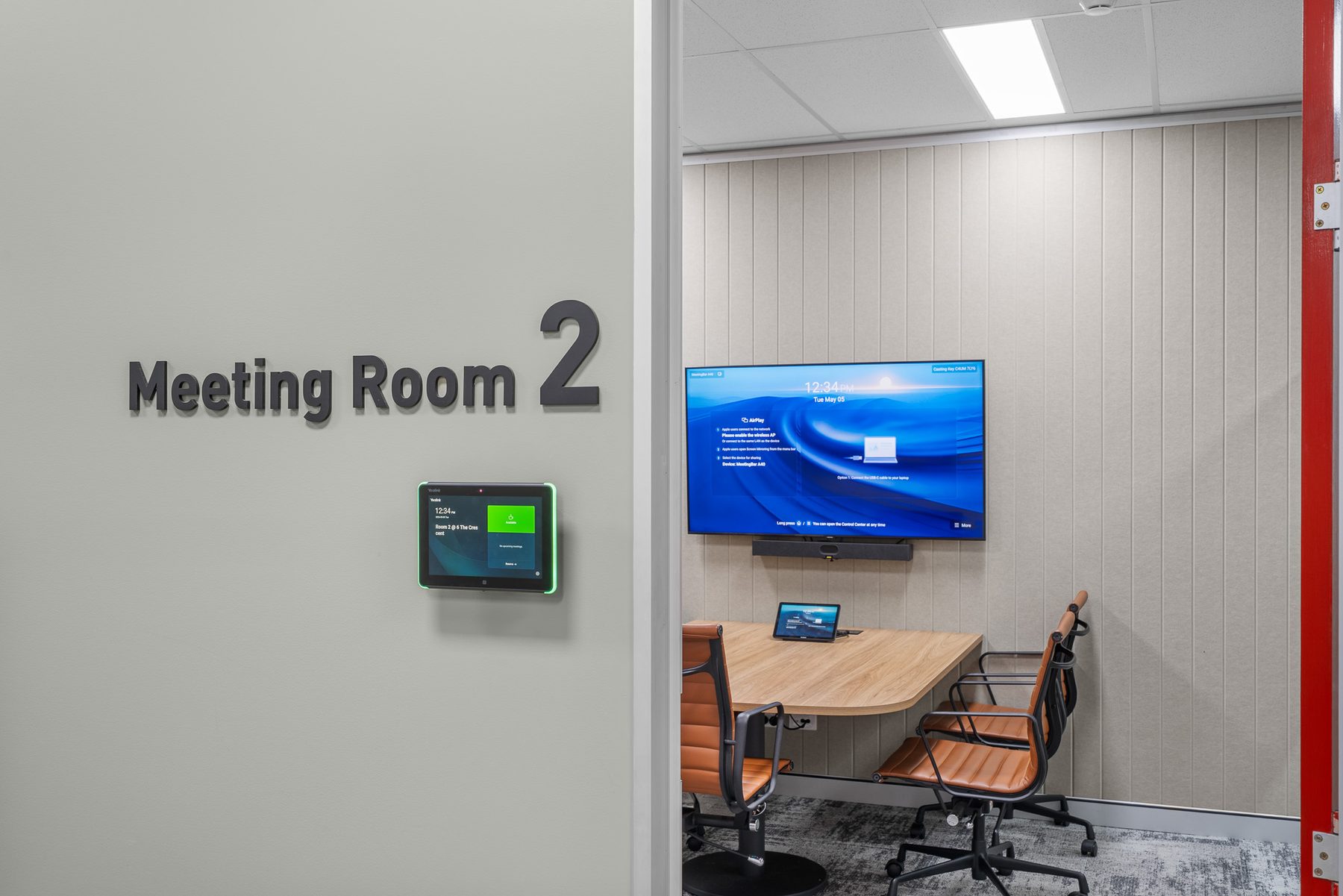
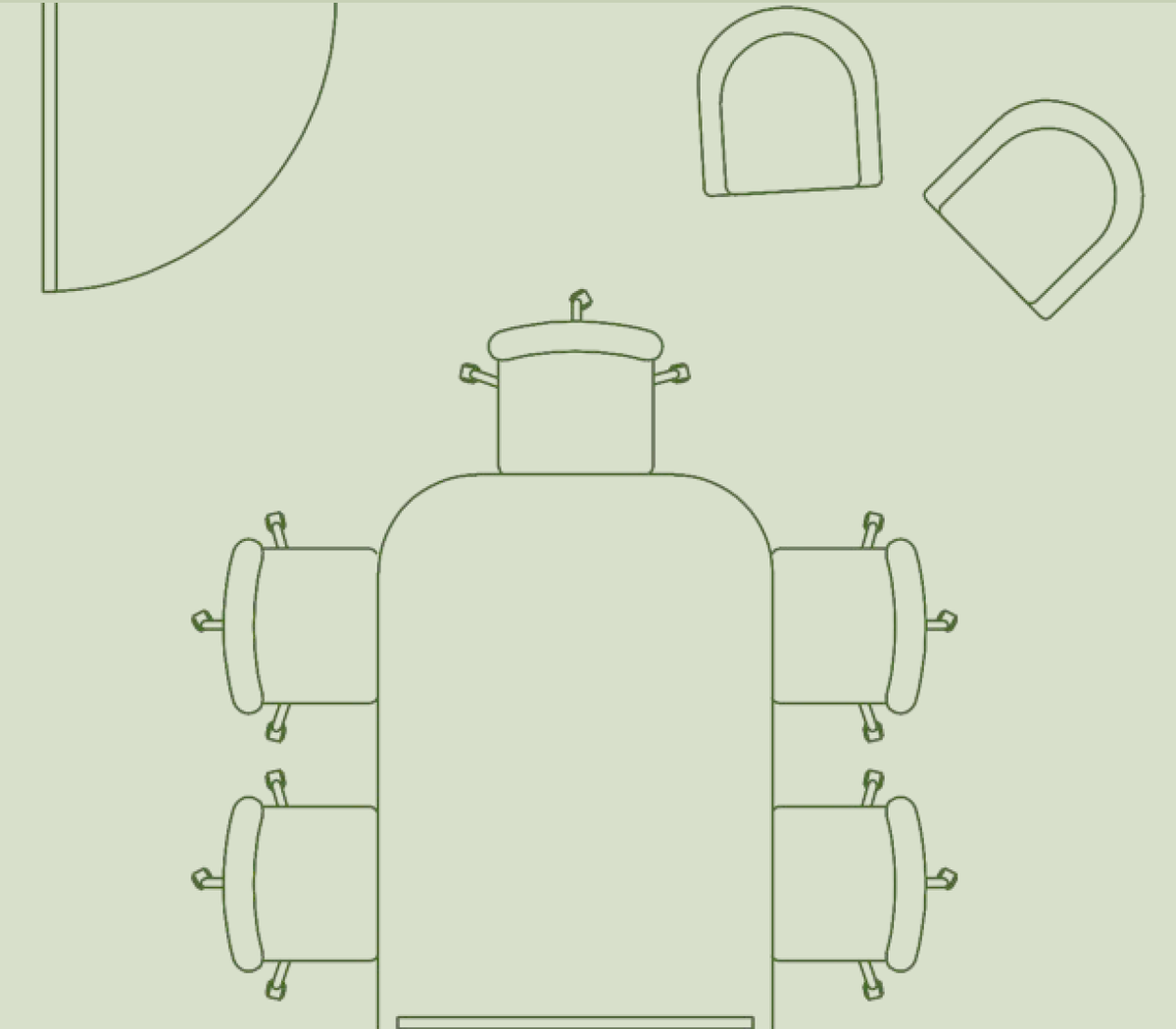
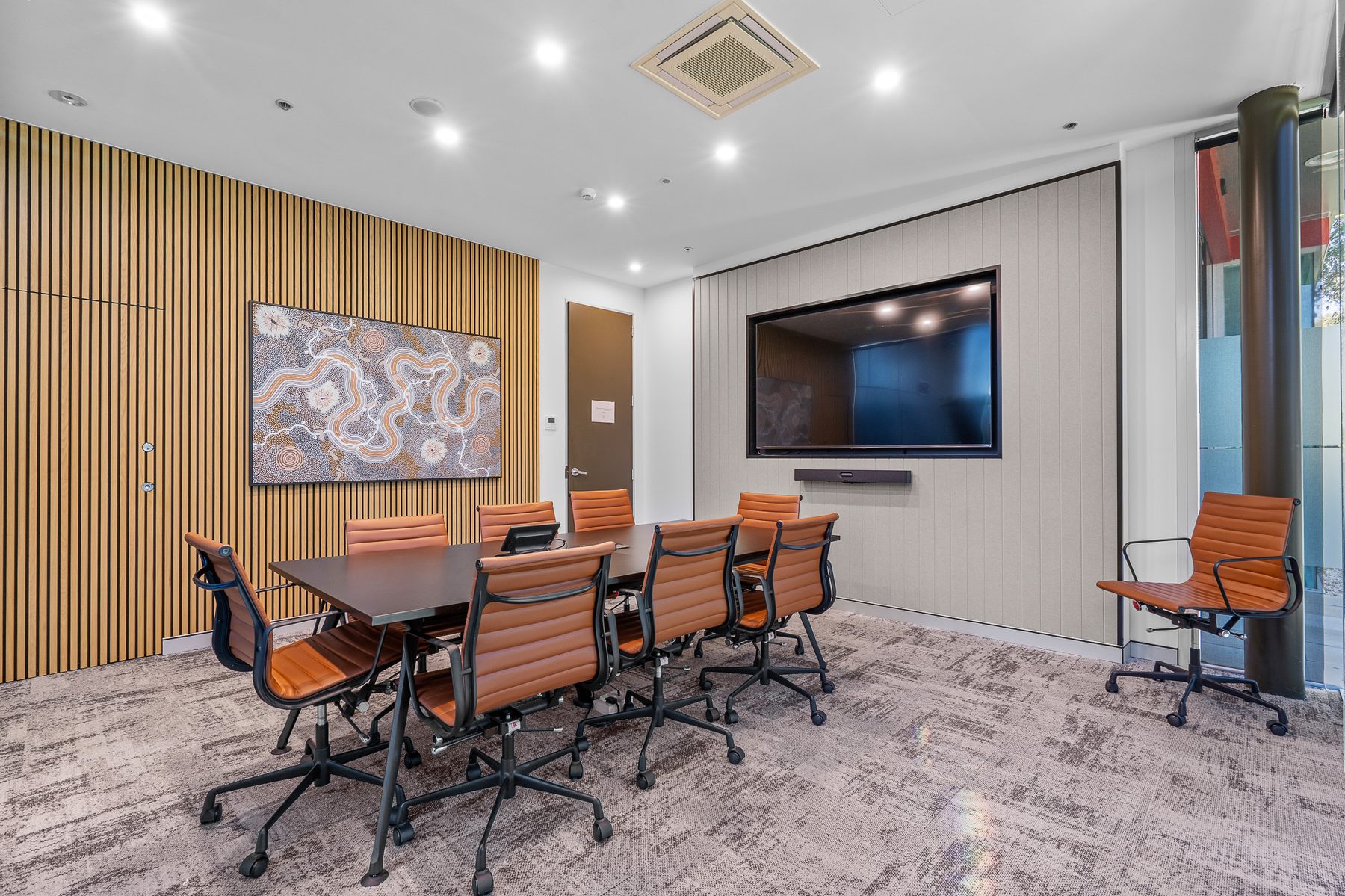
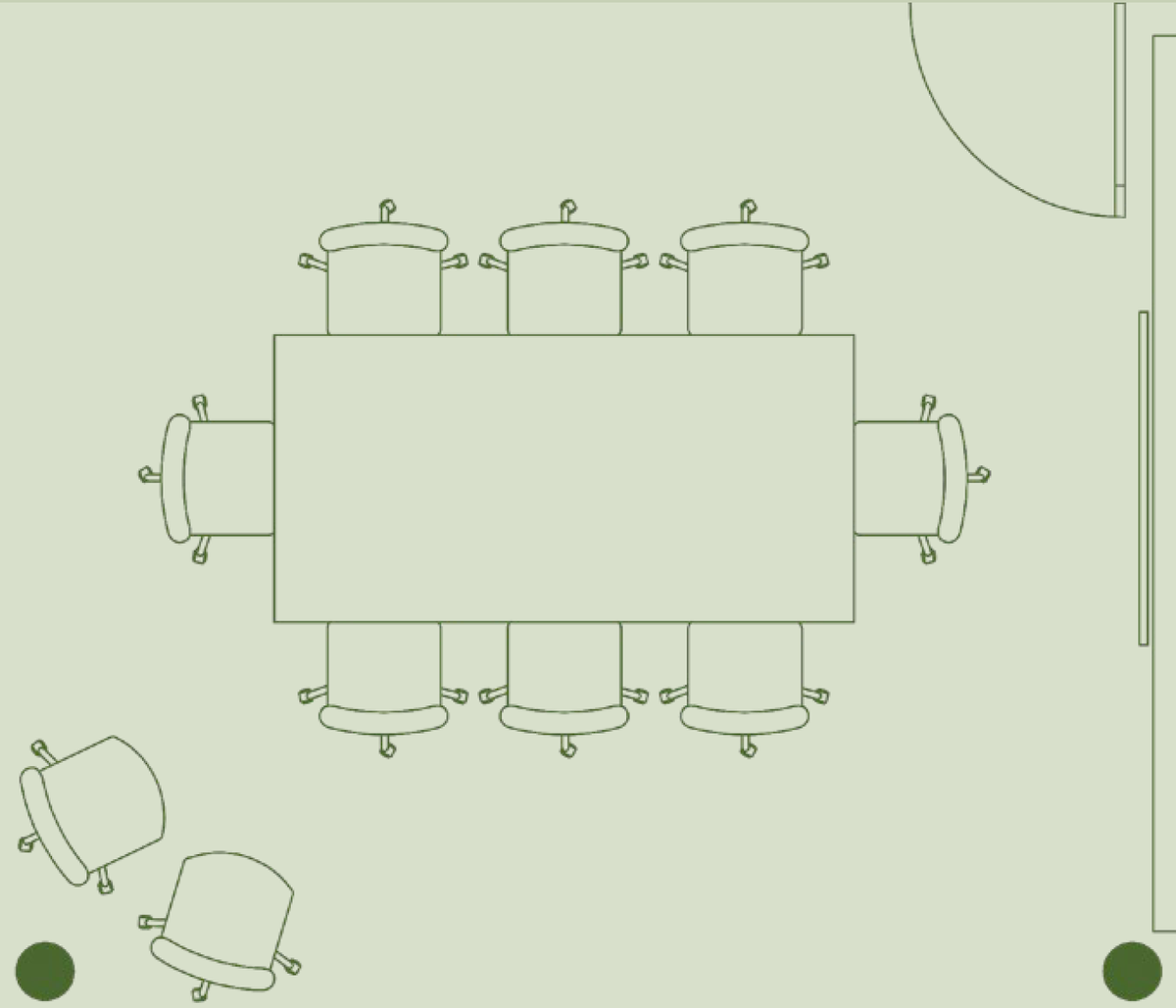
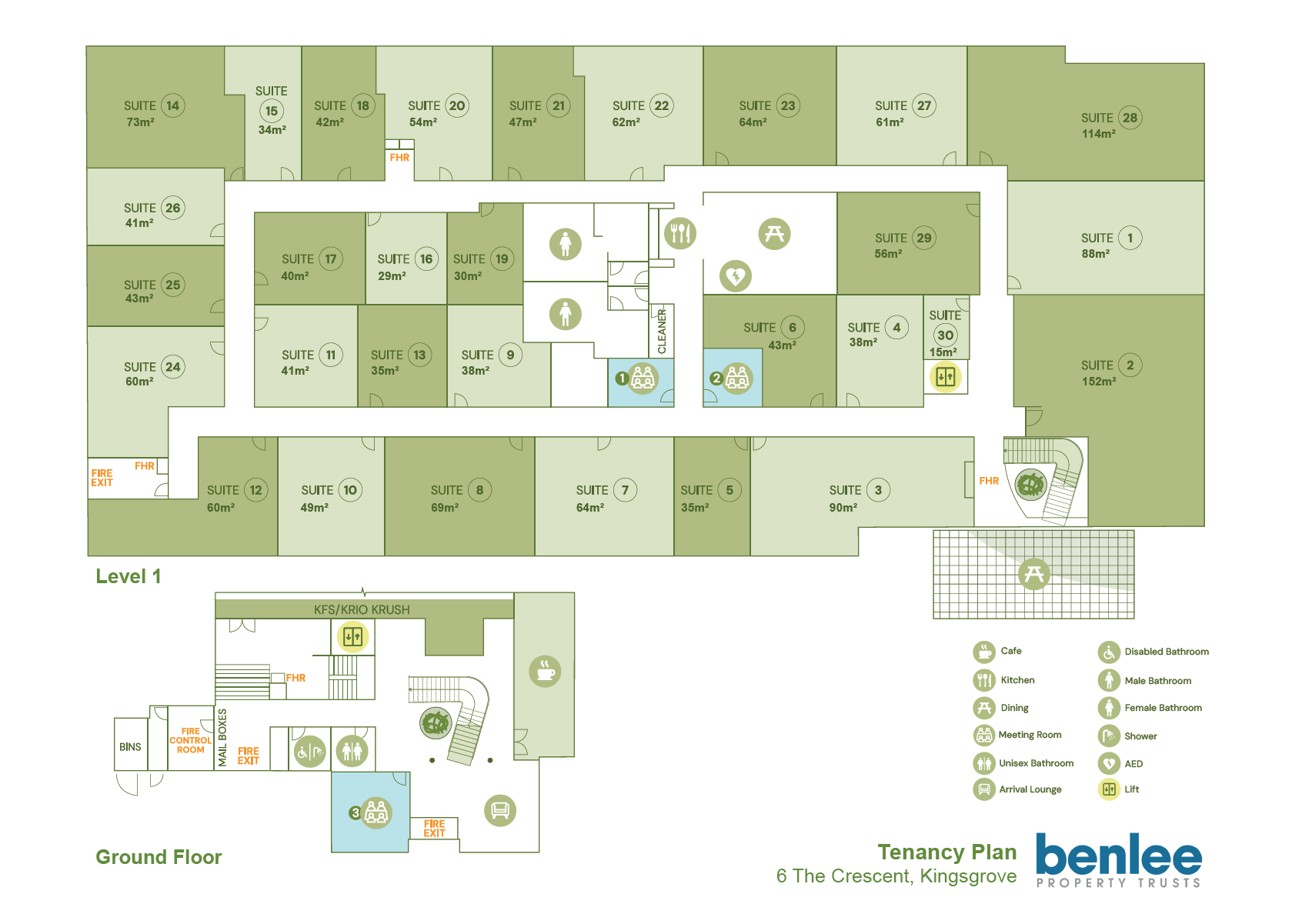
The three meeting rooms are spread across two levels. Use the building plan below to find your way — Meeting Rooms 1 & 2 are on Level 1, and Meeting Room 3 is on the Ground Floor.
Booking a meeting room takes about a minute. There are three ways to do it — pick whichever's easiest. All write to the same calendar, so however you book, the room's live availability stays in sync everywhere.
The quickest option, especially if you're already at your desk.
Best when you're already at the room, or for ad-hoc bookings.
Each meeting room has a Yealink tablet mounted next to its door. The tablet shows whether the room is currently available (green) or in use (red), and displays bookings for the next 7 days at a glance.
For an ad-hoc booking (the room is free right now):
For a future booking (any time in the next 7 days):
While a meeting is in progress:
If you'd rather not use the in-page booking widget or the wall tablet, you can book the traditional way by sending the meeting room a calendar invite from your own Outlook (or other calendar app).
Two options: try a different room (the Availability tab shows all three side by side, so you can spot the next free slot quickly), or try a different time. The tablet outside each room also displays the next 7 days of bookings, which can help you plan around busy periods.
These guidelines help keep the building running smoothly for everyone — meeting rooms and shared spaces work best when we all look after them.
The building Wi-Fi network covers the meeting rooms and shared common areas only — it does not extend into individual offices. Your own office runs on a separate Wi-Fi network set up within your tenancy.
Your plan's capacity extends through the building Wi-Fi network into the meeting rooms. You'll be issued a unique meeting room Wi-Fi password that connects your devices in the meeting rooms and common areas, at the same speed and capability as your office plan.
The meeting room Wi-Fi password is different from your office's own internal network password. They're two separate networks — your office network is yours alone, and the building Wi-Fi network sits over the meeting rooms and shared spaces.
The meeting room Wi-Fi isn't available to you. Tenants in this situation typically use a personal hotspot from their phone or a mobile data device.
THECRESCENT SUITESYour office's internet plan capacity is shared between your office use and your meeting room use through the building Wi-Fi. If you share your meeting room Wi-Fi password with another tenant, those extra devices will eat into the same plan capacity — slowing down the internet speed in your own office. For everyone's sake, keep the password to your own team and visitors.
All three meeting rooms are fitted with a Yealink A50 conferencing system and a Yealink Touch Panel. The setup is platform-agnostic — it works with Microsoft Teams, Zoom, Webex, Google Meet, Skype, and any other meeting app you prefer. Plug any USB-C device into the cable on the table — laptop, tablet, or mobile phone, all work — and the Yealink hardware becomes your camera, microphone, and speaker for the call. No logins, no system-specific software.
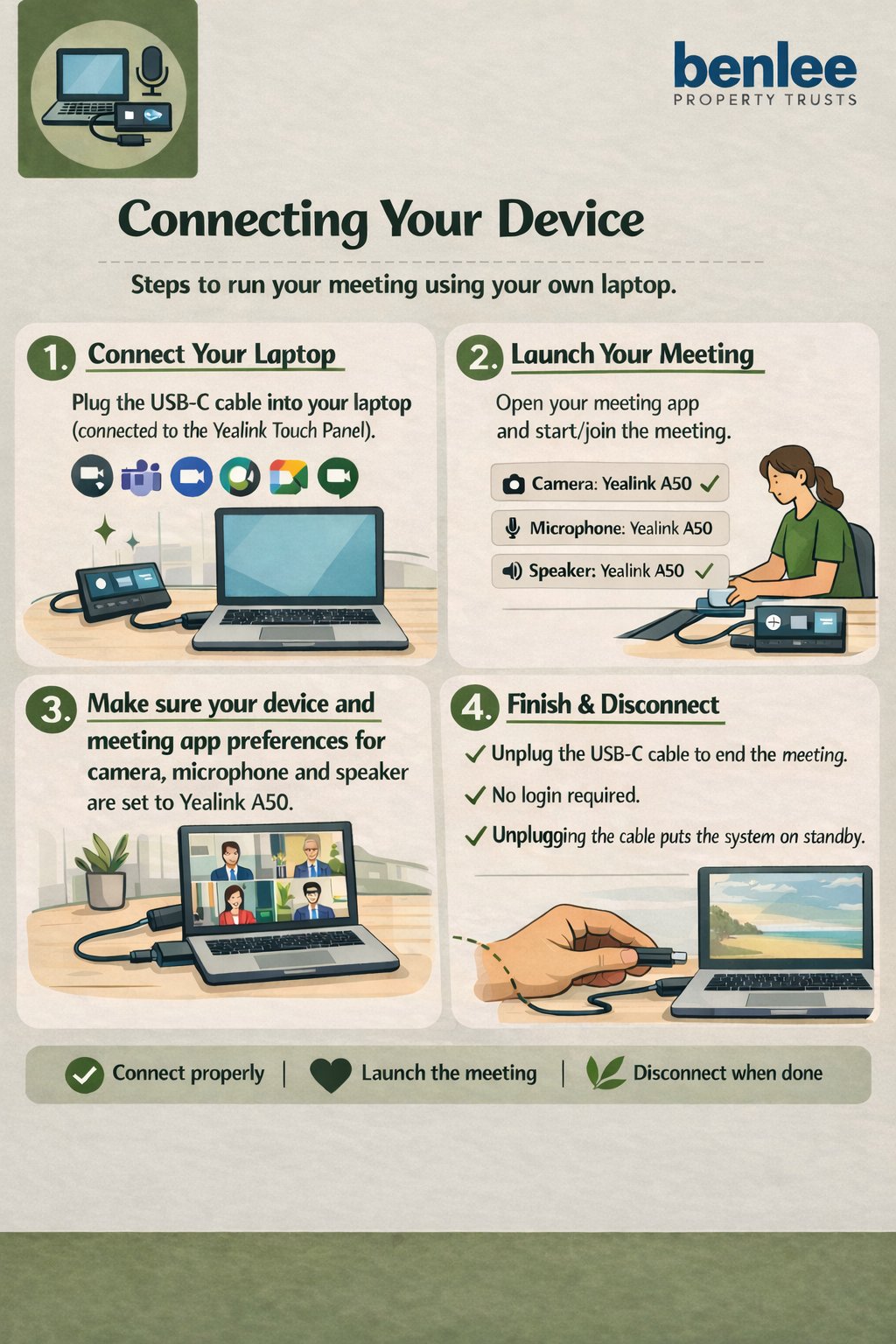
The MeetingBar A50 is the long horizontal bar mounted below the TV in each room. It's an all-in-one device — the camera, microphone, and speakers are all built in — so once your laptop is plugged in via USB-C, no other equipment is needed.
A few things worth knowing:
The A50 camera can be set to different modes depending on what suits your meeting. From the touch panel on the table, tap the Camera Control icon to see the available modes, then tap a mode to switch.
Auto-frames everyone
The camera detects all people in the room and adjusts to fit them together in shot. Best when several people will speak during the meeting.
Follows the active speaker
The camera zooms in on whoever is currently talking. Best for presentations or formal discussions where one person speaks at a time.
Wide view + multi-speaker close-ups
Splits the screen into a wide view of the room at the top, plus individual close-ups of whoever is speaking — multiple people can each have their own pane at the same time.
Group + active speaker
Shows the whole-room view as the main image, with a small inset of the active speaker in the corner. Best when remote participants want to see both at once.
You control the camera
You pan, tilt, and zoom the camera yourself using the touch panel. Best when you want to focus on something specific — a whiteboard or a particular person.
Beyond switching camera modes, the touch panel on the table also lets you:
If you want to be sure the camera and mic are off:
Storerooms at 6 The Crescent are available to lease on flexible terms — you don't need to be a tenant of the building. They suit anyone needing extra space, whether that's overflow during a project, archives, seasonal stock, or long-term storage tied to an office lease.
Terms are flexible to suit you, with a minimum of one month.
Rates exclude GST. Last updated 2 September 2026.
Your office lease at 6 The Crescent already includes a parking allocation in the basement car park, and there is separate visitor parking on site for your guests.
From time to time, additional bays become available on a short-term casual basis for those who need more capacity than their current allocation provides. Additional parking is offered at $150 per month per bay (excludes GST). We can't always guarantee availability, but the more notice we have, the better we can accommodate.
Billing is flexible. An additional bay can be charged to the business that holds the lease, in which case it simply appears on that tenancy's monthly rental invoice. Alternatively, it can be billed directly to an individual — for example, a staff member who would like their own spot but isn't allocated one — so the cost sits with the person using the bay rather than the business.
Looking to expand, contract, or move within the building? Office suites at 6 The Crescent become available from time to time, and existing tenants are welcome to register interest first.
What's included in the rent: building outgoings, parking allocation, brand new individually controlled 24/7 air conditioning, and free use of the three common meeting rooms with their conferencing facilities.
What's billed separately: GST (added on top); electricity (metered by the landlord — no need to set up an account with a supplier); internet (high-speed building internet available, charged based on the speed you need).
Rates exclude GST. Last updated 2 September 2026.
The team responsible for managing the property at 6 The Crescent, Kingsgrove.

Property Manager
Gary is the Property Manager for 6 The Crescent and a long-tenured member of the Commercial Property Group (CPG) team. He brings over a decade of CPG experience plus a family real estate business background dating to 1985 in Hurstville — a combination that gives him deep local knowledge of the southern Sydney commercial market.
Gary's specialty is commercial and retail leases. He was recognised as a NSW Real Estate Industry Awards Finalist for Commercial Asset Manager of the Year in 2015. He holds a Bachelor of Commerce (UNSW) and an Associate Diploma in Valuation, and is a Justice of the Peace (NSW). Many of his clients have stayed with him for over 30 years.
Mobile 0419 268 628
Email [email protected]

Trust Manager
Since joining Benlee Property Trusts in 2020, Ben has specialised in leasing, project management, contractor administration, asset and development management, and investor relations. This diverse expertise allows him to align portfolio objectives with tenant aspirations, fostering strong partnerships and delivering long-term value across the assets he manages.
Before joining Benlee, he worked with a leading commercial agency, honing his skills in sales, leasing, and client engagement. He holds a Bachelor of Property Development, Investment and Valuation.
Email [email protected]
Please leave this space clean and tidy. The kitchen is shared by every office in the building, so it only works if we all treat it the way we'd want to find it. Here's what we ask.
Cleaners are not on site all day — please clean up after yourself.
Fill rubbish bin 1 first, then bin 2, then bin 3.
Please use the office bins for paper and general office waste.
Rinse plates and cutlery before loading them into the dishwasher.
Fill one dishwasher completely before starting on the second.
When the dishwasher is full, add a tablet (they're in the drawer) and start the cycle.
Leave benches and surfaces clean and tidy for the next person.
Label all food in the fridges and cupboards — old or unlabelled items may be removed.
Something in the building needs attention? Let us know here — a spill in the hallway, a bathroom that needs cleaning, a TV that won't connect, a flickering light, damaged furniture, or a leak in your office. Anything at all.
Your report goes straight to building management. A photo helps us understand the problem before we arrive, but it isn't required.
Your request has been sent to building management. You'll receive a confirmation email shortly.
Quote this reference if you need to follow up.
After sending, watch your inbox for a confirmation email from the meeting room. If nothing arrives within a few minutes, the booking didn't complete — try again or contact [email protected].